Specialty Displays
Additional screens available for event use.
In all examples below, the Fucshia pink color represents the “Chroma” and the color can be adjusted in the Audience Display Settings.
Video Only

The Video Only audience screen is used when it is desirable to overlay no scoring, time, or match information on the screen.
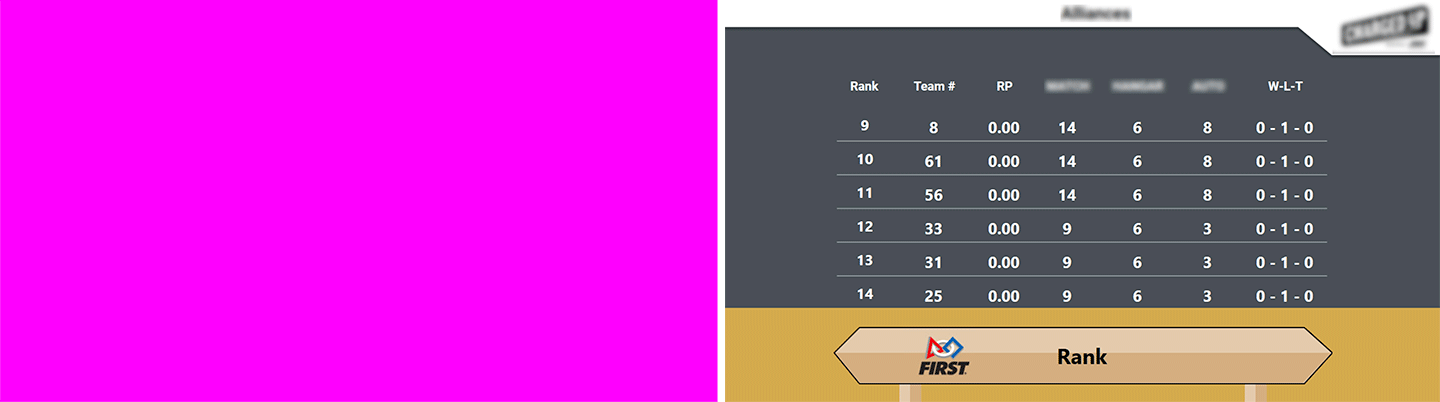
[Left] Traditional Video Only screen
[Right] Alternative Video Only screen when “Graphics Background” setting is “Rankings”
Background
The background screen contains the game logo, and can be used during breaks or lunch as an alternative to video overlay (“Video Only”) or as a
way to show the audience the game logo or a custom message (see below).
Message
A custom message can been displayed using the “Message” tab in Match Test/Play
Qual Rank

Display and scroll through the current rankings. In order for a team to appear in the list, they must have played at least one qualification match.