Issues Overview
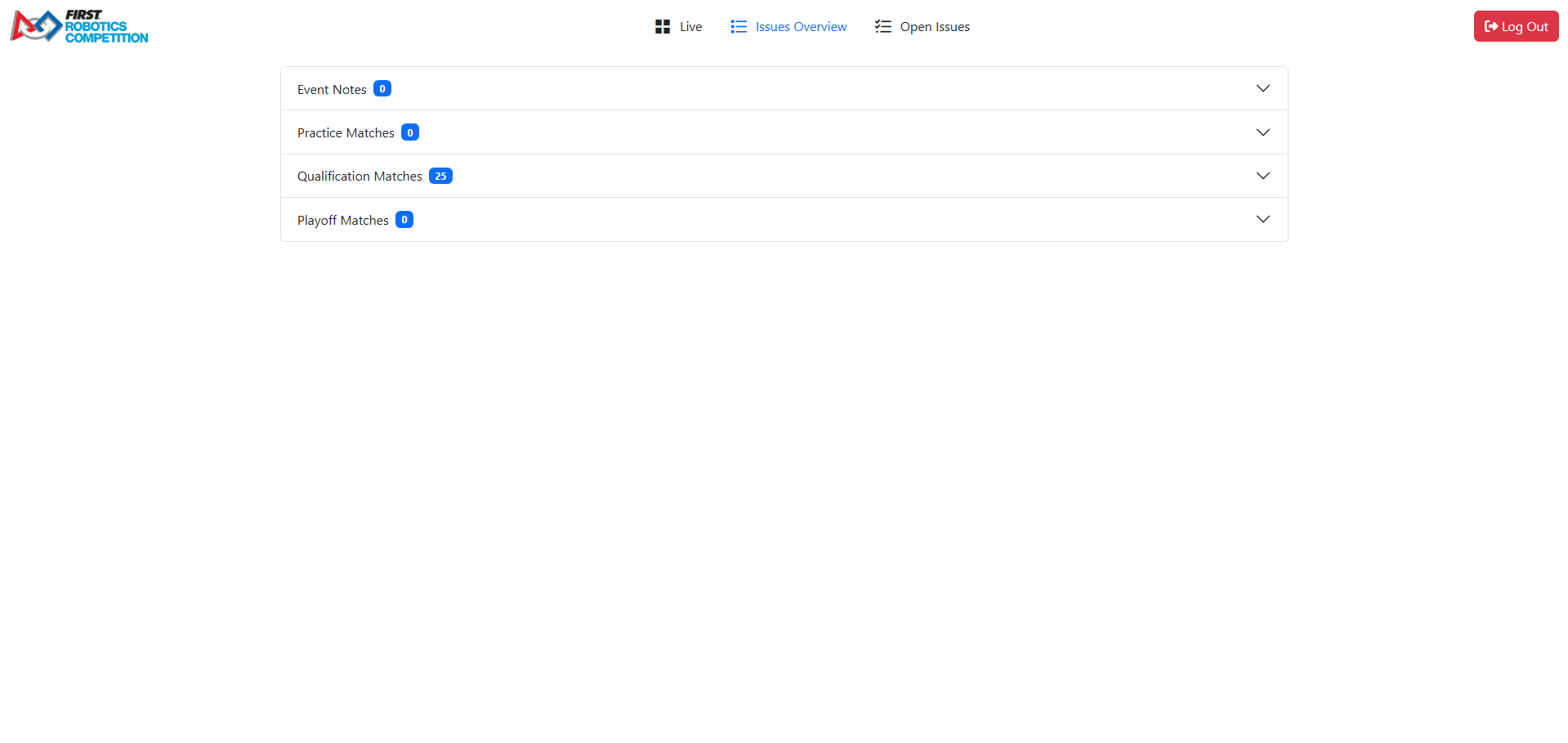
The Issues Overview page shows issues created on all matches played in the event and allows the user to edit them or create new issues.
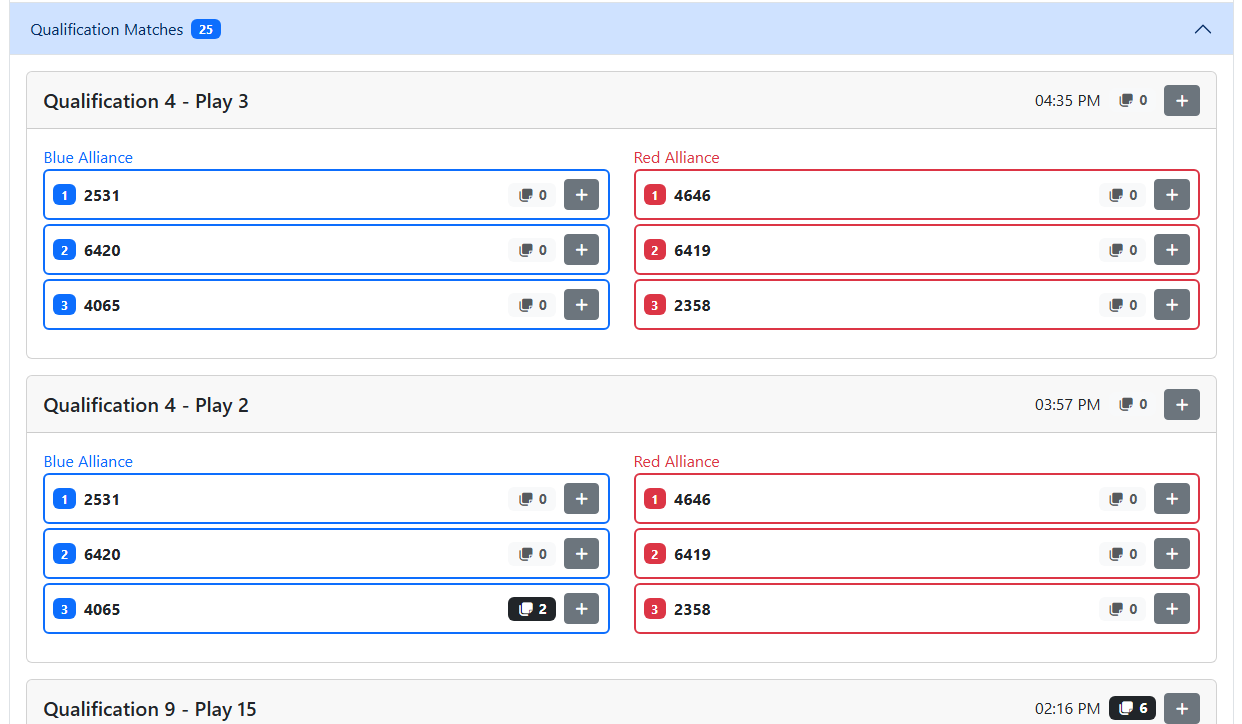
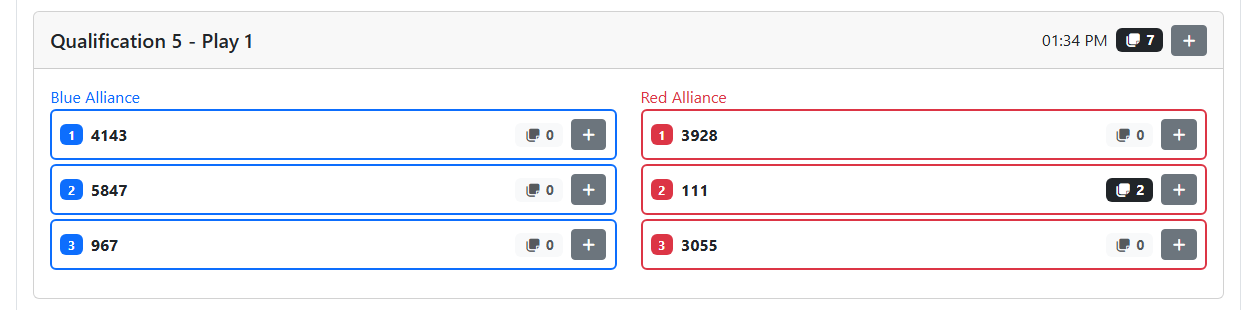
Match Name
Play Number
Time played
Number of issues created for the match (not team specific)
Button to add match issue
Blue stations
Red stations
Each station will show the following information:
Station Number
Team Number
Number of issues created for this team in the match
Button to add team match issue
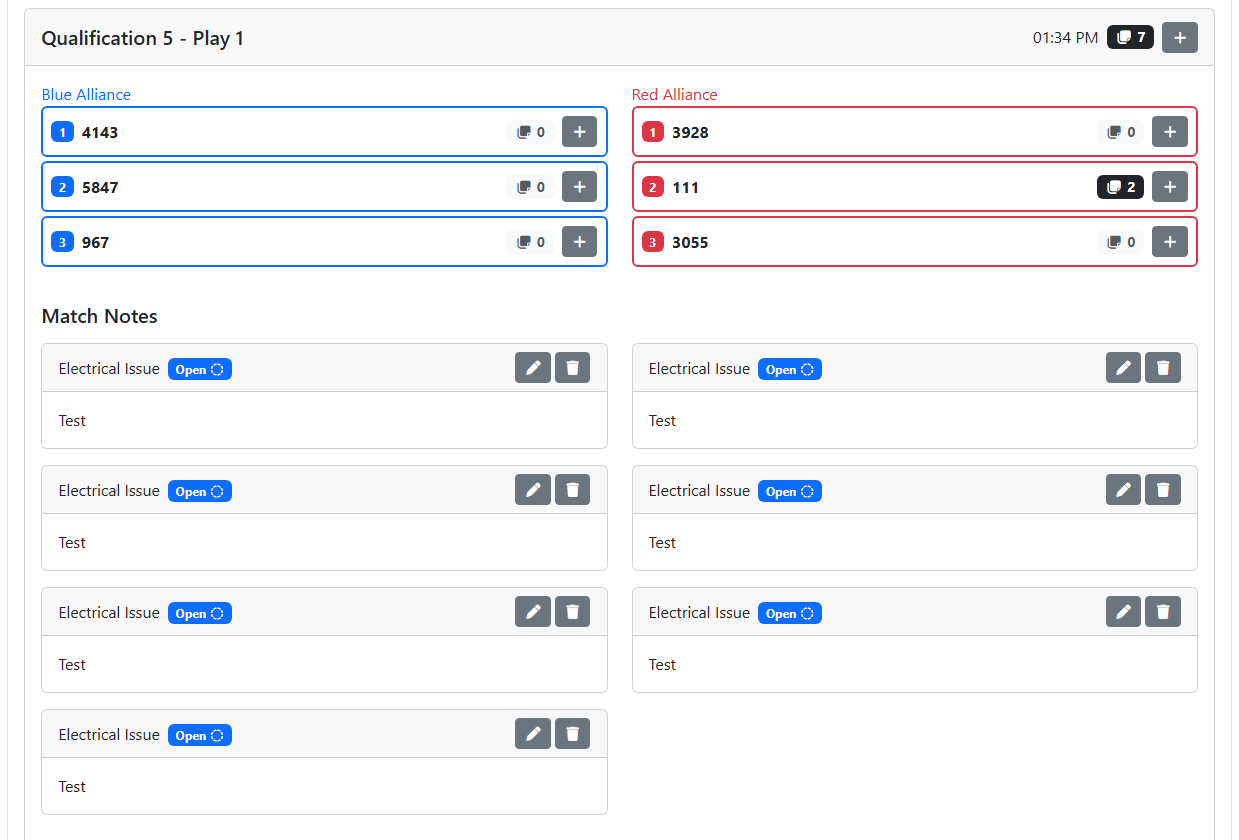
Note
If there are no issues for the match, clicking or tapping the header will do nothing.
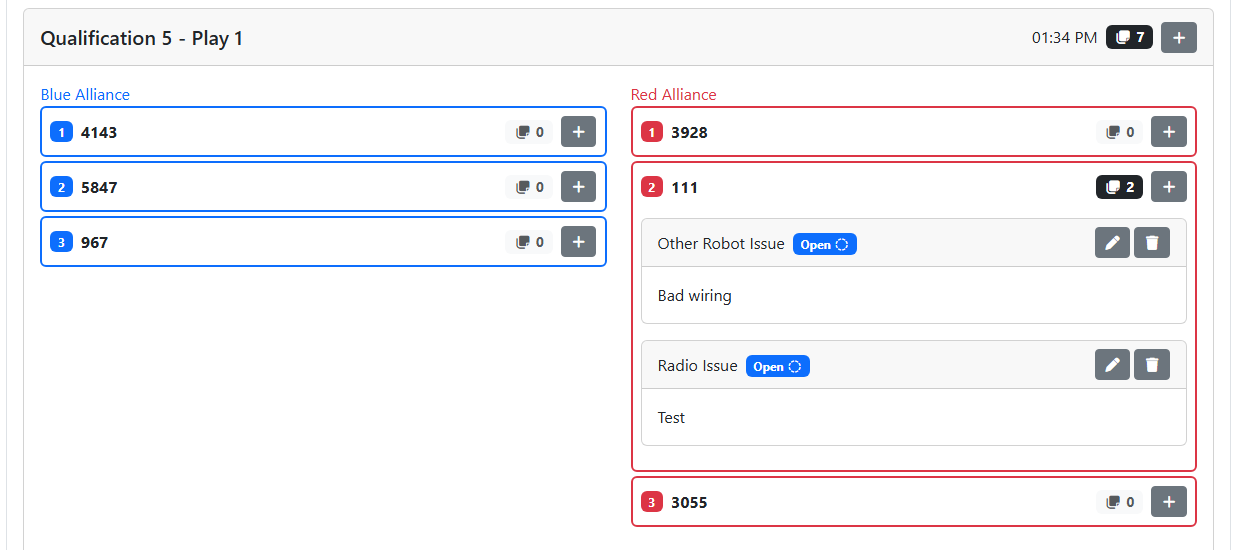
Note
If there are no issues for the team in the match, clicking or tapping the station will do nothing.
The issues counter on the match and all the stations in the match will be gray with a light gray background if there are no issues. The counter will be white with a black background if there are more than zero.
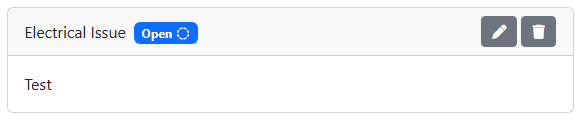
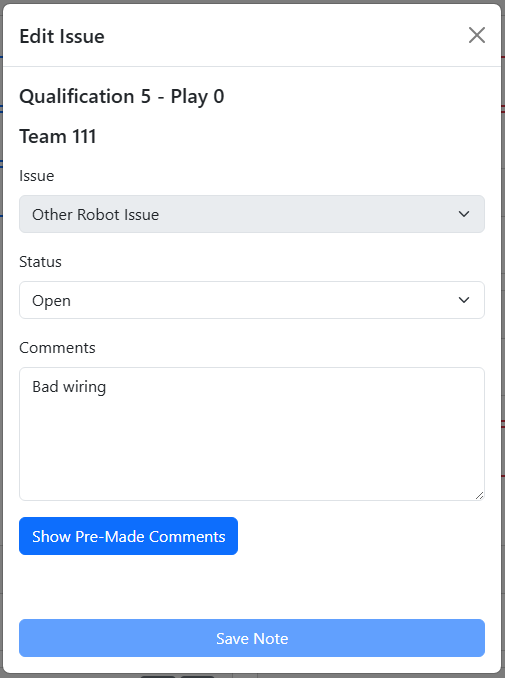
Issue Type
- Status
Blue badge with dashed circle icon and “Open” label for an issue that is still open
Green badge with check icon and “Resolved” label for an issue that has been resolved
- Action buttons
Pencil icon button to edit an open issue
Circle arrow icon button to reopen a resolved issue
Trash can icon button to delete an issue
All comments on the issue