About Audience Display (Web Version)
Introduction
Audience Display is a software program, built and distributed by FIRST that is used to relay game and status information from FMS to the Audience at the venue and online (via the live stream, if applicable). The Audience Display can either be run as a standalone application or as a web app on a separate machine connected to the field network via Ethernet, it cannot run on FIRST Servers. This manual will walk through the available displays, configuration options, and best practices related to the Audience Display.
Wiring Audience Display
In order to connect to FMS, the Audience Display must have a wired connection to FMS. The Audience Display needs to be on the same network as the FMS machine.
Opening Audience Display
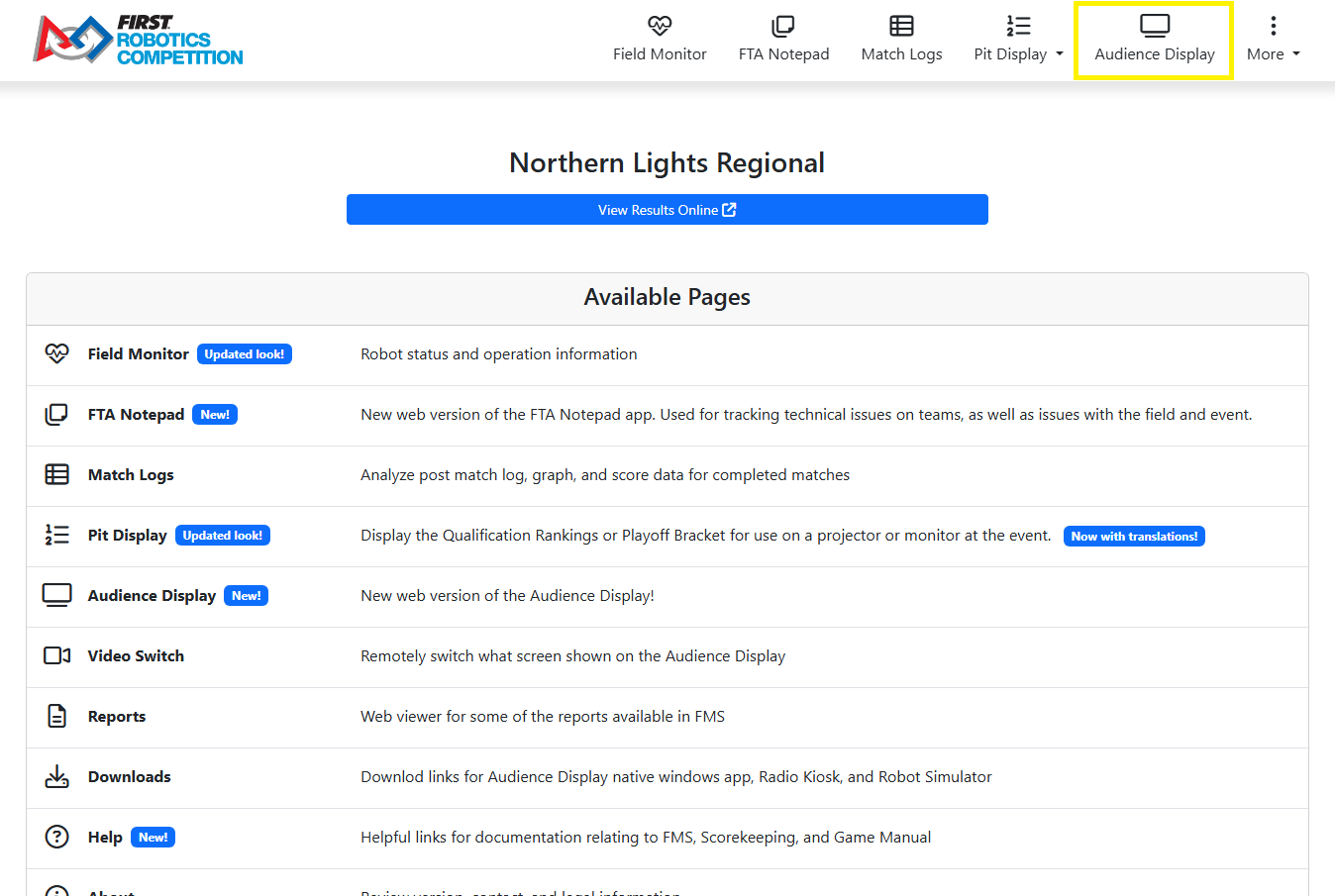
Audio Output
The game sounds commonly associated with FRC events, such as the start of match ‘charge’ sound and the end of match buzzer, are processed by the Audience Display. On FIRST official fields, output is made available for the venue from either a standard 1/8” female connection (“headphone jack”) on a laptop that runs the Audience Display, or the HDMI connection (if using HDMI for video as well). Either audio configuration can be configured using Windows Audio configuration.
Note
In order to hear game sounds, the Audience Display program must be running
Event Setup Order
It is highly recommended that you do not run the Audience Display program until after initial configuration of the event is complete through the Event Wizard. Opening the programs out of order may result in freezing while event data is attempting to process.
Hover Menu
The Audience Display has a Hover Menu, accessible by simply hovering over the display. The menu provides quick access actions and indicators.
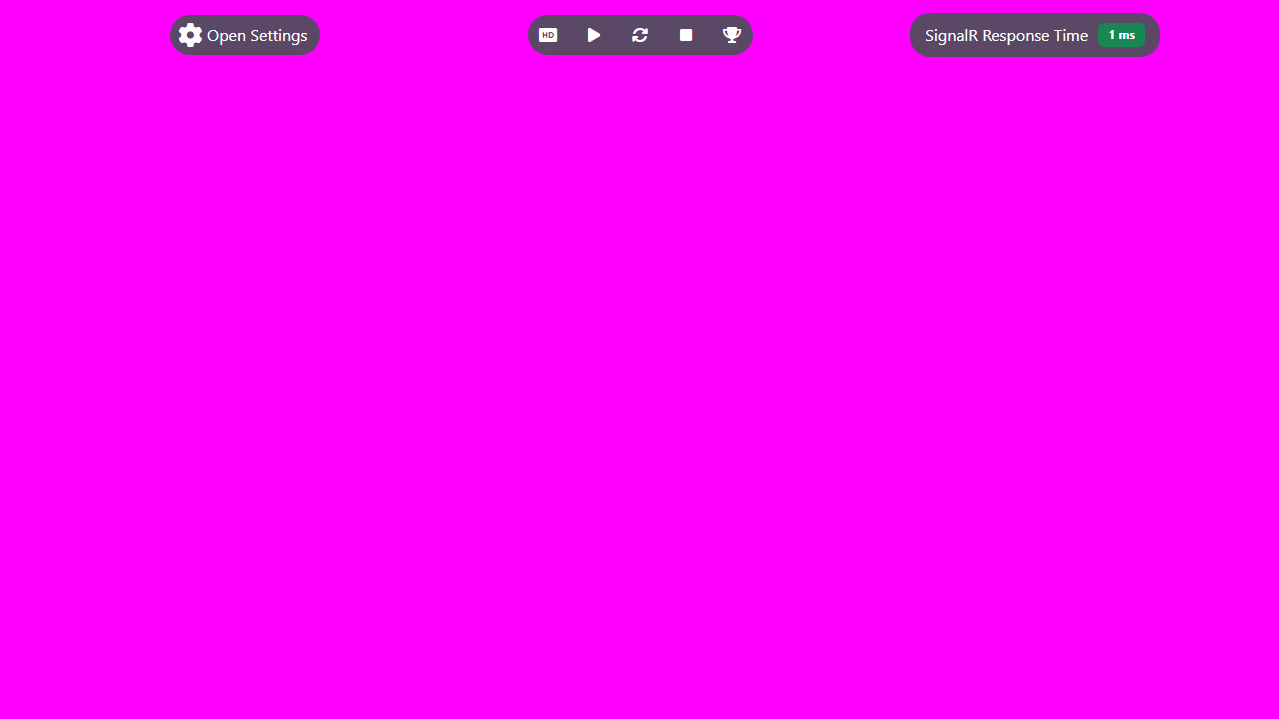
[Open Settings] Open the settings panel, the same as using the hotkey combination
[Play Sound Once] Play a single test sound
[Play Sound Looping] Loop a test track for audio testing and tuning
[Stop Playing sound] Stops any sound being played by using either of the previous two buttons
[Play Match Result Animation Test] Runs the Post-Result animation one time in order to verify render quality
[SignalR Response Time] This is a live updating indicator of the amount of time it takes for SignalR events (timers, scores, screen changes, etc.) to get from the FMS Server to the Audience Display.
Closing Audience Display
To close the software, either click the back button in the browser to go back to the local FMS website or close the tab.